


Public prototype · AI learning
Paper Trail
Paper Trail teaches people to use AI by giving them a work task, an example and a way to check their answer.
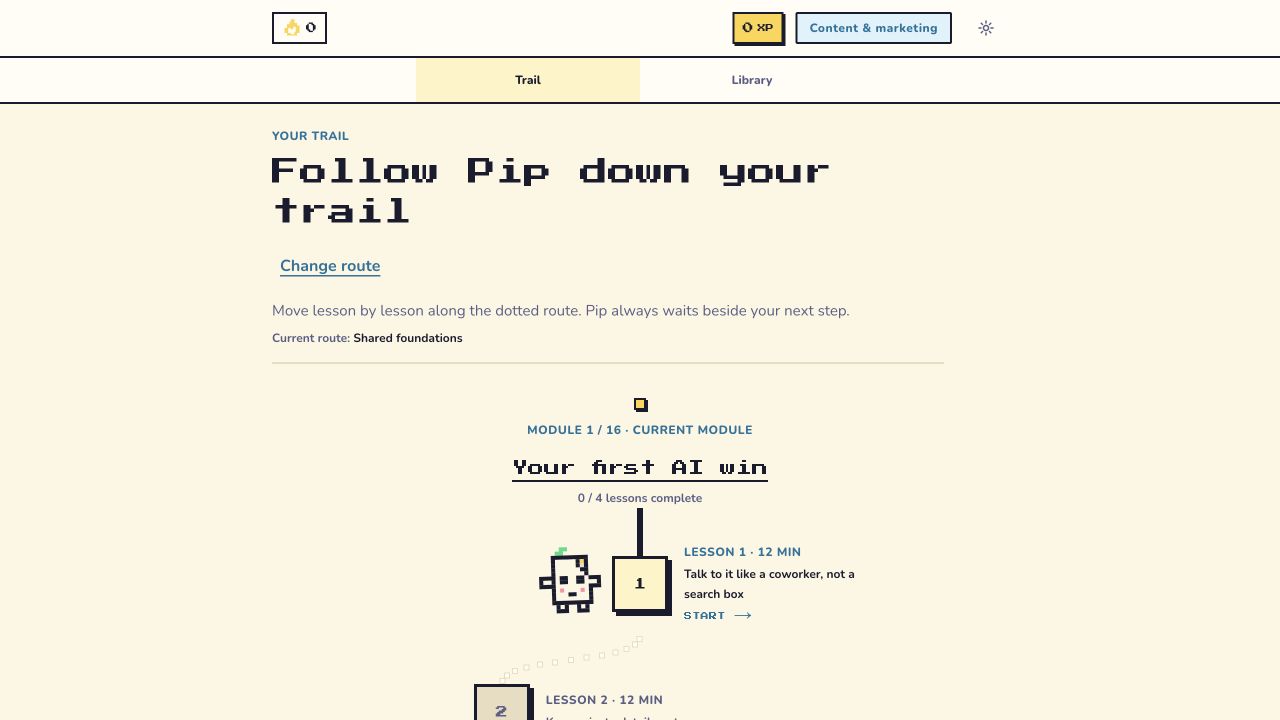
A tutorial can explain what AI does and still leave a beginner wondering what to try at work. Frontier built Paper Trail around short exercises organized by the work people want to do. Each lesson gives the learner a chance to make a decision and see how it affects the answer.
Start with work the learner recognizes
Frontier organized the map by job and task so learners can start with something they already know how to judge. The content and marketing path leads to a campaign lesson where the learner tries an exercise and sees feedback before moving on.
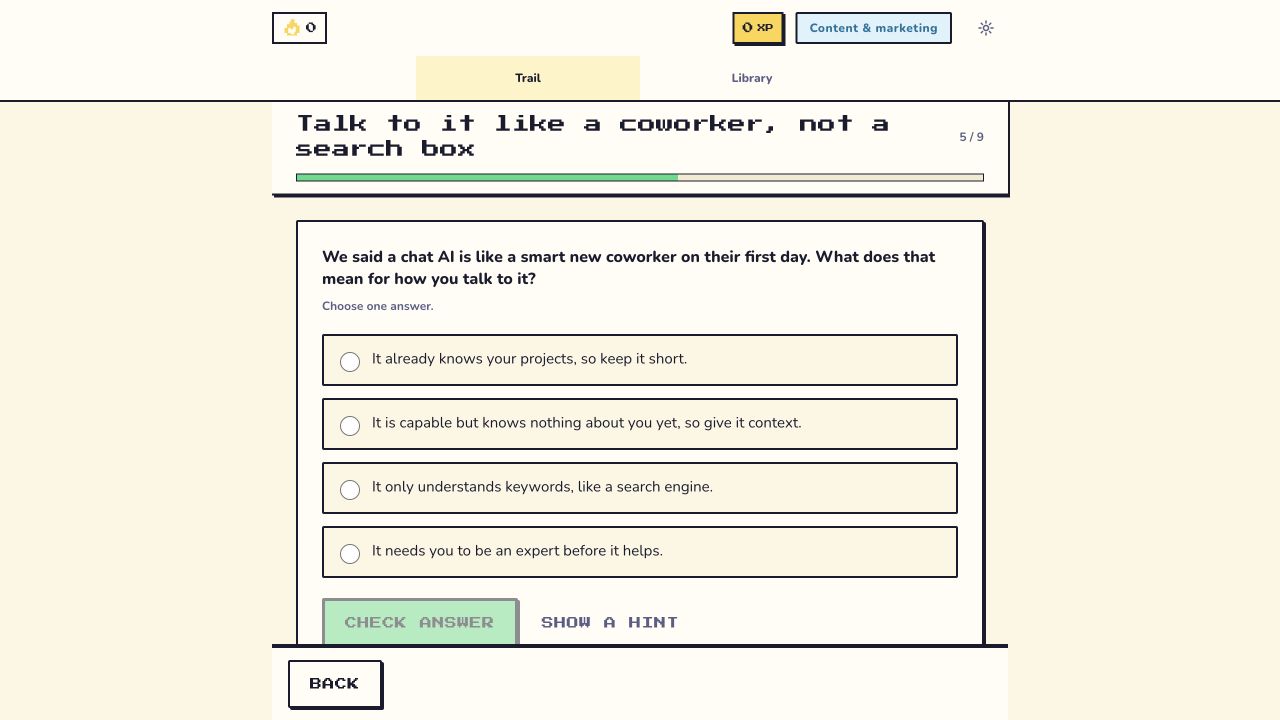
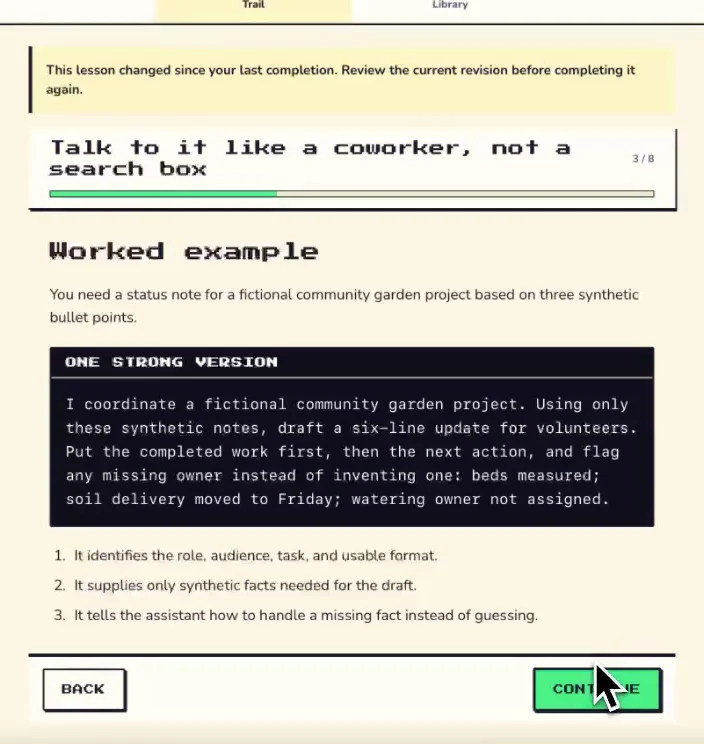
Keeping the exercise short lets a learner focus on one decision. In the campaign example, the comparison shows what changes when the learner gives the AI more context.
- Pick a lesson
Open a task related to the kind of work you want to practice.
- Try the exercise
Apply the idea to an example inside the lesson.
- Read the feedback
See how your choice worked before you move on.
Give learners a way to check the answer
A well written answer can still include a claim the source does not support. Paper Trail gives the learner a checklist for picking out claims and opening the source to verify them.
The Workbench lets learners reopen saved exercises after the lesson. It gives them an example of what they tried and a way to revisit how they checked it.
- Read the answer
Pick out the claims you would use in your own work.
- Check the source
Open the source and see whether it backs up those claims.
- Keep your practice work
Return to saved work from the Workbench.
What you can try
The public prototype shows this in a campaign lesson. A learner can work through an example, compare two sets of instructions and revisit saved practice in the Workbench when their browser can store it.
Watch the Paper Trail walkthrough